

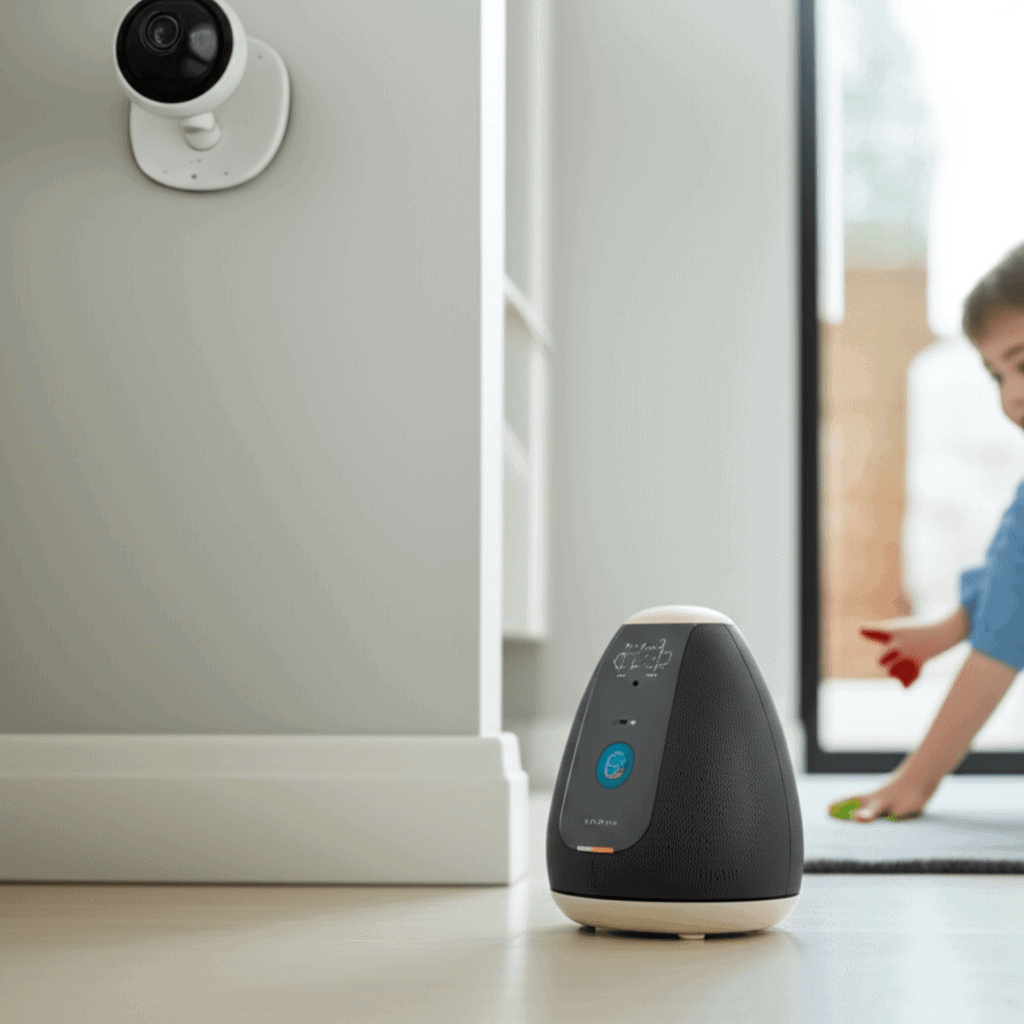
When loved ones live miles apart, it feels like balancing two tough jobs at once. Wanting to respect their independence while making sure they stay safe can be tricky. Connected home technology offers clever tools to keep an eye on them without interrupting their daily life. Smart designs and the right product mixes create a shield of protection and keep communication simple and polite. This benefits anyone looking for calm peace of mind without coming across as annoying. Dive deeper to find out how safety and respect can flow together like a well-oiled machine.
The approach here is human first and tool second. Devices alone do not create safety. Thoughtful placement, clear alerts, and simple routines matter more than a long list of features. Below you will find practical examples, setup tips, and user experience suggestions to help you keep them safe without being there using connected home technology.
Keep Them Safe Without Being There Connected Home Technology for Seniors
For older adults the right mix of sensors and interfaces can allow extended independence. Motion sensors in hallways and door sensors on main exits provide passive monitoring that does not require constant attention. When something unusual happens a smartphone alert or a call to a trusted contact can be triggered. These systems can be set to avoid false alarms by allowing a brief grace period for normal activity.
Key considerations when selecting gear for seniors
- Battery life that lasts months to limit maintenance
- Simple alerts with clear labels and repeatable tones
- Options for reminder messages for medication or appointments
- Local control for caregivers who live nearby so adjustments can be made quickly
Remote Monitoring That Respects Privacy and Dignity
Cameras are powerful but sensitive. For many families passive sensors offer the right balance between awareness and respect. Door sensors, pressure mats, and appliance monitors can flag changes in patterns without transmitting audio or video. If a camera is desired choose one with clear privacy settings and the ability to blur areas or schedule when recording is active.
Minimizing intrusion
Place visual devices in shared spaces rather than private rooms. Offer clear consent forms and routines so the resident understands what is being monitored and why. Use notification tiers so that minor events generate a log and only significant deviations create immediate alerts.
When video is needed
For instances such as overnight monitoring after a fall a short term video solution can be useful. Configure recordings to store locally or to a secure service that limits who can access footage. Always explain how footage is used and who can delete it.
Designing Alerts and Notifications for Actionable Information
Notifications that lack context lead to alarm fatigue. Design alerts so the recipient can make quick decisions. Include basic context like location, time, and suggested action. For example an alert that reads living room motion at 9 15 am with no subsequent motion for 30 minutes is more helpful than a vague motion detected message.
- Tiered alerts for different urgency levels
- Smart scheduling to avoid night time push notifications for low urgency events
- Failover channels such as text message or phone call when internet is down
Choosing Devices That Work Together and Stay Simple
Interoperability matters. A single app that aggregates information from multiple devices reduces complexity. Look for systems that support common standards so you can mix brands without creating extra work. Keep interface design plain and readable with large fonts and clear icons for quick scanning.
Practical tips for setup
- Create labeled zones so alerts mention a room name rather than a device ID
- Use routines to automate common tasks such as arming sensors at night
- Test alerts with the resident present so they become familiar with sounds and messages
Power, Connectivity, and Offline Strategies
Devices that rely solely on cloud servers can fail during internet outages. Think through backup options such as battery powered hubs and cellular fallbacks for critical alerts. Local processing can allow basic rule checks to run without the cloud and keep essential functions active during downtime.
Battery management tips
Choose devices with low power draw and monitor battery levels centrally. Set reminders for battery replacement and consider devices that provide multi month life on a single charge.
Redundancy for critical situations
Combine multiple sensor types so one layer can confirm another. For example pair contact sensors on doors with motion sensors in adjacent areas. If a device goes offline the system can still infer state from available inputs.
Privacy and Security Best Practices for Connected Home Technology
Security must be part of the plan from day one. Use unique passwords and enable two factor methods on accounts that control devices. Keep firmware updated and avoid default administrator credentials. Segment devices on a dedicated network to limit exposure if one device is compromised.
- Regularly review access logs to spot unfamiliar connections
- Limit data retention to what is necessary and purge older records
- Choose vendors with clear privacy statements and responsive support
Improving User Experience for Caregivers and Residents
An effective setup reduces cognitive load for both residents and caregivers. For residents place single function devices where they perform one predictable task. For caregivers provide a dashboard view that highlights only the most important data for quick assessment. Avoid cluttered interfaces that show raw device telemetry unless requested.
Training and onboarding tips
- Run short walkthroughs with the resident and key contacts
- Prepare a cheat sheet for common actions like silencing alerts or acknowledging a notification
- Schedule periodic check ins to verify settings still match living patterns
If you want a closer look at design decisions that influence safety and user experience there are helpful case studies and design critiques available that explore how different devices perform in real homes. You can continue reading for more detail on pairing device selection with user centered design.
Costs, Scaling, and Long Term Maintenance
Cost planning is often overlooked. Start with a small set of high impact devices and expand as needs change. Factor in subscription fees for cloud storage, cellular backup plans, and replacement parts. Establish a maintenance schedule and assign a single point of contact to manage updates and replacements so the system does not drift into neglect.
- Budget for two to three year replacement cycles on battery operated devices
- Consider rental or leasing options for short term monitoring needs
- Negotiate service bundled pricing if you deploy systems across multiple homes
Real World Examples and Use Cases
Case 1 Elder care scenario
A family installs door sensors, a stove shutoff timer, and motion sensors in common areas. Alerts are routed to a primary caregiver and a neighbor. Weekly summaries show normal activity patterns and highlight any deviations. This setup reduced unnecessary check in calls and allowed the senior to keep familiar daily routines.
Case 2 Independent living with fall detection
For a person with mobility risks a wearable fall detector combined with ambient motion sensors allowed rapid verification after an event. The system used call escalation with a local contact before calling emergency services to avoid unnecessary ambulance dispatches.
Case 3 Multi occupant home
In a household where one member needs monitoring during recovery from surgery motion sensors and smart plugs on key appliances gave insight into activity without the constant presence of a caretaker. Scheduled reminders for medication were pushed through a simple voice enabled speaker that required minimal interaction.
Design choices from these scenarios emphasize predictable behavior, minimal upkeep, and respect for daily life. They show how well chosen tools can replace frequent check ins with timely, actionable information.
In summary, keeping loved ones safe without being there requires attention to design and a practical mix of devices. Focus on low maintenance sensors, clear notification hierarchies, privacy preserving setups, and redundancy for critical pathways. Train residents and caregivers and set a maintenance schedule so the system remains reliable over time. If you are ready to build a plan begin with a single high impact device and expand deliberately. Take action today by listing the top three safety concerns for your household and match each to one simple device or routine. Small steps add up and create a safer home for everyone involved.